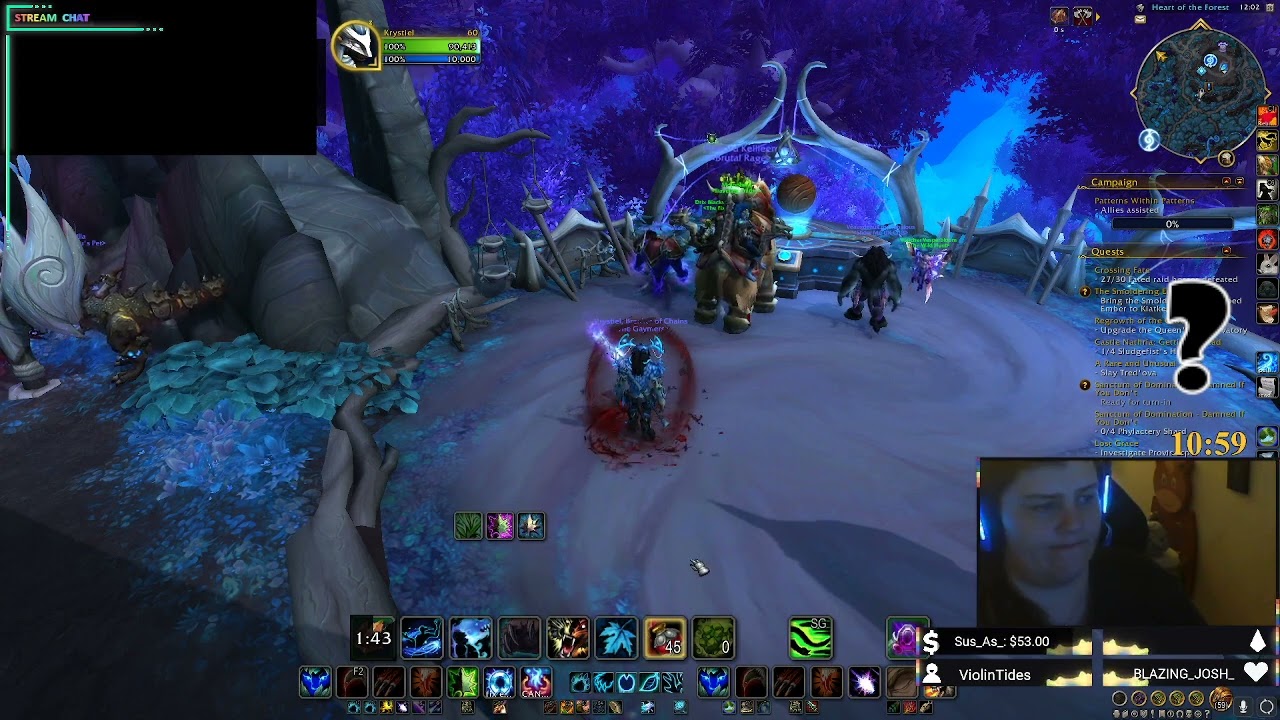
NO ADD-ONS ENABLED, but auto-casting spells when trying to move spells on my action bars

I’m trying to drag to re-arrange spells on my various bars and even with zero add-ons enabled, it’s automatically casting the spells when I click and drag (even when I have buttons locked and I’m holding SHIFT to pick up the spells to move it). For example: I am trying to pick up my “Dash” spells and drag it to a different place on my bars, I have action bars locked, and I’m holding the button to be able to pick it up, but it’s casting Dash.

It never used to do this before. Why is it doing this now? Is there some new option I need to enable or disable? Any ideas?

4 Likes

When you say “drag”, do you hold down the button whilst moving the ability?
I found that I occasionally cast spells when I do so

I’d say try click-release to pick up the ability, move, click-release to place; that should work

Turns out I had all add-ons disabled except Bartender, and it’s an issue with Bartender specifically. :upside_down_face:
Here’s a video to show the problem.

4 Likes

I don’t believe it’s limited to Bartender. I’m having the same issue with ElvUI. I’ve made sure that ‘cast on key press’ isn’t on, and have tried moving abilities with and without modifier keys. Looks like there might be an issue with bar mods generally?

5 Likes

Ah, yeah, that would make sense, just perhaps there’s some weird spaghetti code with bar mods and the new blizzard bars interacting and causing a click instead of a click+drag somewhere…

Just in case you didn’t figure out how to turn that off in Bartender, go to the main window and go to ‘bars’, then click off the option that says ‘toggle actions on key press instead of release’. That will fix it :slight_smile: (Edit to add: I mean the main window of Bartender, not anything in the Blizz UI)

9 Likes

Thank you, I appreciate the info.

2 Likes

Had the same problem and discovered it was Bartender. Easily fixed with a checkbox on bartenders main page.

I dont use Bartender but I am having the same exact issue with Elvui

Any Elvui users know how to remedy this yet?

2 Likes

Do you have anything that is similar to what Ashleaf posted?

Not that I’ve found so far

I probably should have checked that out before I started making changes to my bars. Started moving stuff around and boom I hearthed out …

Hahahaha.

2 Likes

Elvui → Action Bars.

Under General settings ‘Key Down’

EDIT: Nevermind, it still acts this way when you try to move buttons

1 Like

Yeah it seems like the elvui bars are locked into cast on keypress mode. Changing the ‘key down’ option doesn’t seem to do anything for me.

  1. Cute setup
  2. Yay for it working now! ^^
    (I at least I assume its working now that you figured it out ^^’)
2 Likes

If you are having this issue try this command in chat

/console ActionButtonUseKeyDown 0

This corrected the issue for me using bartender or Elvui

8 Likes

PSA - Public Service Announcement - No UI Add-On / User Interface Altering:

Again, no add-ons needed.

Still, takes a bit to move and save one new layout.
I went through and barred up all my toons on my main server.

Then set them all to my new UI layout.

1 Like

Except if you want to do any of these:

  • Move microbar, bags and experience bar
  • Resize things,specially minimap
  • Remove portraits from frames
  • New nameplates
  • Transparency on the dialog box
  • Clickable Links
  • Hide elements
  • Move target, focus and pet frames individually

Considering they can’t do any of these after 9 expansions…I’ll stick with addons.

6 Likes

While this is fine, this does not address the problem the poster is looking to address, which is a bug.

2 Likes

Thank you, this solved the issue for me.

1 Like