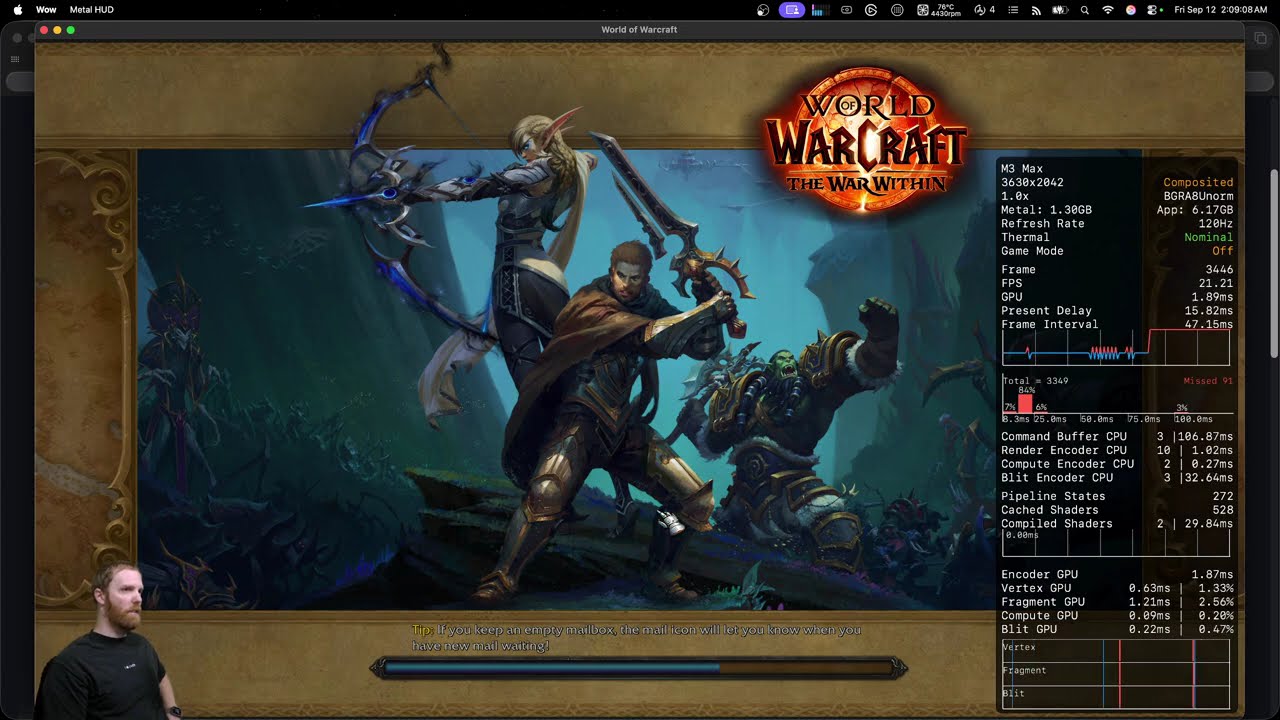
There exists a new issue causing performance degradation over time that’s relatively new to client. talking last 1-2 weeks not patch 11.2 itself. So likely a hotfix patch that broke things.
Below are key things I noticed:
It seems to be mac only affecting macOS 26
It seems to build up over time so a fresh launch of game resolves/has no issue.
The issue is caused by non modifier input (so any input that triggers an action but not keys like shift command or control)
So what’s going on. Well the longer wow is open the worst performance gets while there is an active input. Meaning any hardware input that’s currently being pressed. This includes mouse wheel but interestingly enough NOT mouse clicks.
The one thing I haven’t concluded yet is whether it’s time based or number of inputs based. I think it might be input based because i triggered it faster raiding vs doing basic outdoor activities. What do I mean by input based. I mean every key stroke every input is one step closer to performance issues. you might produce the issue within 2 hours of raiding or 4 hours of questing as an example just by sheer difference in number of inputs over time.
How the performance issues behave as it’s happening is performance is normal/fine as long as no input is taking place, but when you input fps drops by an amount equal to how bad issue has gotten in your session. In my testing first hour of raid had no noticeable issues really, 2nd hour of raiding had 5fps drop any time any key was pressed. but but 3 hours i’d drop 30fps anytime i press or held a key down. so the radical drop once issue starts comes quick. it just takes a while to start.
Once issue occurs, it’s pretty straight forward. you can even look straight at floor, turn graphics to 1, not be cpu or gpu bound what so ever, then hold down spacebar or something and watch fps nose dive while the input is active then restore once no input is active.
Reproducing issue requires time investment. QA can’t just fire up a box and test input and go “i have no issues”. they need to cause a lot of inputs over a long play session. I’m not sure if this can be forced by mashing keys for 30 minutes or anything like that. I may do a test of taping a key down and going afk to see if it triggers issue by time i return.
Summary:
Hardware input causes performance issues on macOS over time, starting at 0 then mild then medium then severe and amount of time it takes for this to happen varies by play activity and amount of time. It seems to be a relatively new issue and I’m not sure what made it happen since it wasn’t active in 11.2 launch itself but either a subsequent hotfix binary update OR a macOS update (which could indicate it might actually be an apple issue not blizzard). I have not tested any other games to rule out apple being at fault cause again it’s an issue that requires a lot of time to debug.
I started experiencing this as well, with the mouse scroll. FPS goes from 120, down to <10 when I scroll. Seems to happen after game has been running for +/- 30 mins or so. It must be a Retail hotfix in the last few days causing this, as it is not occurring in MoP Classic…
Omegal, contact me if you need anything. (Arissarue-MoonGuard)
Watched your video. Realized I forgot to mention a bit more detail. I’m on an M4 Mac mini 2024 w/ 48gb RAM and the higher end CPU/GPU. I do raid as well on Retail, and do Delves and M+, so I also agree that it depends on a time as well or in combination with keystrokes issue. I upgraded to Tahoe RC late last night hoping it would fix the issue, but it doesn’t. Again, no issues in MoP Classic (160fps there).
I’m experiencing this issue as well. M4 Pro Mac mini (64GB RAM), running macOS 26 RC1, though this has been happening since, I believe, the release of 11.2. I play for ~3-5 hour sessions, and notice it get progressively worse until I restart my client.
so some of. you still get issue on macos 15. i want to safely rule out tahoe being cause. i had one report of macos 15 already when i posted video but more solidifies it. i dont want blizz just going “sounds like a macos beta issue not ours”
but on that note taboe does come out in 2 days. the beta is rc
one person commented on my video it happens in classic for them but not which classic. since someone here doesn’t get it in mop i wonder if that means vanilla classic also has issue? would def like more info on this. it can help rule out (for blizzard) which change set causes issue
so you’ve had issue longer than most of us. but i wonder if maybe it’s not a new issue but one that just got a lot more worse thus more noticeable to people. many of us in max chips didn’t really feel this issue til this week. maybe tahoe does make issue worse as well but doesn’t introduce it.
comments just make me realize i need more data to up my sample size. especially from macos 15 users.
I was only able to get this to reoccur on Sequa. Tahoe RC I have not been able to get this to reproduce. Perhaps were looking at a memory leak of some kind within how the client behaves with the OS.
2019 intel iMac has Sequoa. 2025 M4 Max iMac has Tahoe RC.
Depends how you’re trying to reproduce it. it takes a good long play session to trigger up the issue. it definitely happens on tahoe though. how long have you been on RC1 and had any long play sessions on it yet?
Kudos for the investigation work! I usually restart after one hour because taking brakes. But I am noticing those small frame drops.
I am also just on Tahoe RC since released, can’t remember having the same issue with Seq. Will try to replicate if I can by not logging or restarting each time. Thanks for the work!
==
Did raiding, some delves and a dungeon and oh yeah deffo got it, holding space lower fps, but also a lot of micro stuttering during raid which i didn’t had a week ago on Sequoia. I might just use my time machine and go back but don’t have the time for it until end of week. If I can assist in anything let me know.
i want more confirmation issue is happening to people on macOS 15 this week. i’m not sure rolling back will avoid issue, as the issue could have been a recent hotfix patch too. that’s part I need to iron out cause I do have reports from like 2-3 macOS 15 users but most have been macOS 26 so the 15s could be anecdotal.
just in case though, anyone who’s main game is WoW, I would advice against upgrading to macOS 26 release tomorrow until we confirm whether or not it’s a macOS 26 bug. anyone already on macOS 26, I know personally it’s too much of a PITA to roll back and this particular one can be fixed by restarting game about once per hour so I’d hang tight until blizzard and/or apple investigate this further.
anyone who’s on macOS 15 still, please test this issue
Well, I’m experiencing all types of issues. M1 user here. MacOS Sequoaia Version 16.6.1. I don’t know if that’s the latest because I did a clean install. As mentioned, I’ve reformatted the drive, dropped all my addons, cleaned my UI, and reinstalled the game. All done in the least drastic order lol. Nothing has worked. I can’t consistently log in to a server. It gets stuck at various times, or I get a message server not found. I get DCD a lot, or get stuck in certain areas in the game. I don’t know what’s changed, but all of this has started happening within a few days. I’ve given up the troubleshooting and bought a Windows-based PC.
None of that sounds related to this. especially connection related issues. That’s more likely some kind of network configuration problem. bad ethernet, bad config, bad wifi connection. or even ISP related (if that’s case pc will have issues too)
Yeah, checked all of that. Nothing to do with the internet. Nope, not directly related to the issue mentioned. My point is that running WoW natively on macOS has always been somewhat glitchy and seems to be getting progressively worse. I have always experienced problems. Did I mention that the game constantly updates, mostly but not limited to, after I close the game client? Besides, I wish you the best, and I hope you guys figure out a solution to the performance issue.
I’ve seen that issue off and on for so long, on three different Macs, on several MacOS versions, I’m not even sure when it started. Maybe (nearly) five years ago when I switched to an Apple Silicon Mac? I can’t remember if I ever saw it on Intel.
Im on Mac OS 15.6.1 on a M4 Max Studio and have no issues at all with about every setting at the max and get a constant 60 fps raiding and generally playing for hours at a time. Been on it since 15.6.1 came out and haven’t noticed any issues.
Thank you for the heads up though! Will hold off on upgrading to Mac OS 26.
I too was on 15.6.1 (15.7 as of today) but have noticed no issues either using my M3 Pro MacBook Pro. Solid 72fps (I keep it locked at this rate) and have experienced no lag or slowdowns with extended play. I do dip below 72fps in major cities, but that’s to be expected some. I play at graphics settings 10 with shadows and compute turned down so I don’t melt my laptop stand.