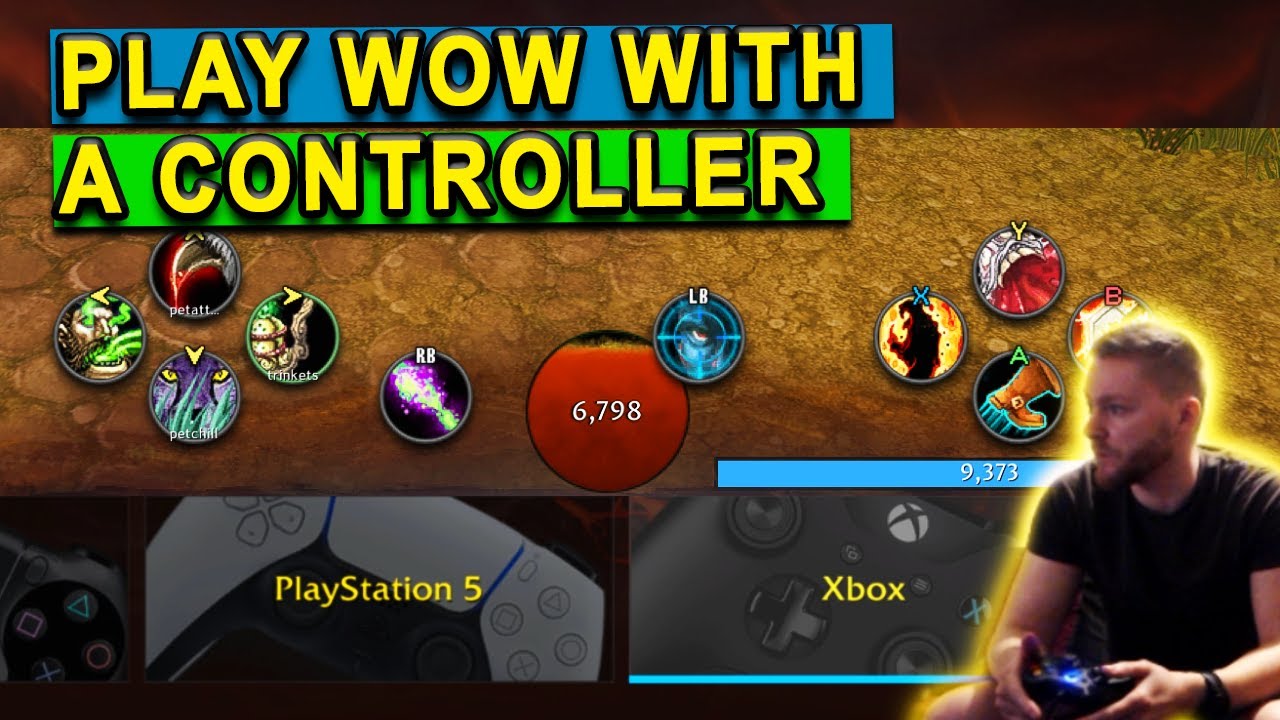
It has been almost 20 years since this game has launched. Some of us has passed, some changed to different games, some of us has stayed and have slowly gotten older and greyer. With that being said, would it be possible to enable a feature in the game so we can play this game with a controller some time in the future? Some of our hands are weary and not as battle hardened as our youth when the game launched.
The player base is aging! We love this game but in the next 20 or so more years we might not be able to keep up with the mouse and keyboard. I must be able to draw my bow while running around with loot at a moments notice to go into battle!
The only way to facilitate this, as other MMOs have done, is to increase the GCD. I’d rather not, personally. I think far too much of the game would need to change to officially accomodate controller support.
I’ve been using a red dragon mouse, was like $30 and it’s held up so far for like 8 or 9 months now. Definitely worth the buy, lets me keybind a whole lot of new stuff, all though I don’t usually use anything past 6 or 7.
24/25 button gaming keypad (25th is the thumbstick push down feature ) and a 5 button thumbball mouse.
Unfortunately they don’t make that gaming pad any more and finding one can cost up to around $500 depending where you get it . It was around $60 when I got mine during Cata.
I second the Reddragon mouse suggestion. Every mouse I’ve had for the last 15 years has failed in the same way - the copper that creates the “click” when it connects goes bad and stops springing back properly. I long ago stopped buying expensive mice because of this. Reddragon mice are inexpensive, but they get the job done.
Not really, I play on controller myself just fine. GCD isn’t the problem, it’s dependent on Blizzard actually doing a good job to set it up… Which they haven’t.
@OP
I cleared Resto Druid tower the other day with this addon, it just takes getting used to.
I find it difficult to believe that you can achieve even remotely similar levels of targetting and character control with a controller vs a keyboard and mouse. If I need to help with explosive, no problem. If I need to kick an off target, no problem. I can turn 90 degrees in a fraction of a second, and run out of danger.
I second the Razer naga also. I use the 12 button plate myself but it also has the 7 button one also, Non Razer variants include the corsair scimitar and the Red Dragon mmo mouse. There is also the Razer Tartarus which is a small 20 button keyboard.
Then you would love the 360 sort of movement the game has by default. It’s pretty darn responsive just pushing in a direction and immediately going in that direction. Sort of like Spyro.