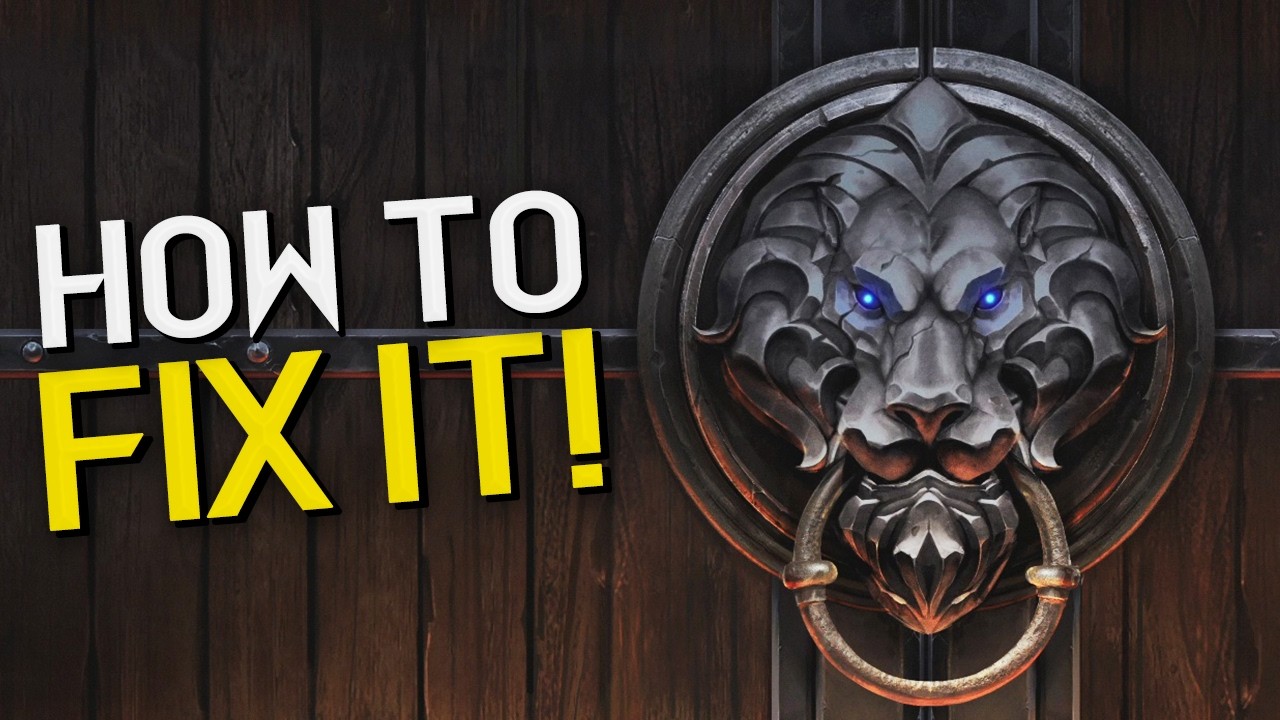
After 3 to 4 frustrating days and hours spent trying to get the game working, I am still facing issues. Despite trying numerous fixes found on Google, Reddit, and the forums, I have been unable to resolve the problem. I have reinstalled my drivers and the game multiple times. It only opened once—yesterday—but when trying again today, it is once again stuck on the loading screen (the Lion Gate with the blue eyes in the middle).
I am completely exhausted by this process, and this is my last resort. Kindly provide the steps I need to take to get this game working once and for all; otherwise, I will be demanding a refund.
I have Windows 11 Pro Intel i3-8100 3.60GHz 32GB RAM NVIDIA GeForce GTX 1660 Graphics
Unfortunately, none of that is working for me, neither I have been doing anything with my graphics card. Even if I have, I restarted my PC like 10 times already and cleaned the cache/temp files manually.
I have just uninstalled the War 3 and Battle.net and I received error BLZBNTAGT000008FC.
Yup, tried all of that so far too, not the first time that instance is ocurring. As previously mentioned, I tried lot of things before posting in here because I drained all of the options. I am literally left without options.
Also, I am logged in as Administrator user. I was having regular MS account (couple months ago) but I deleted that account and now currently auto log into the Windows as local administrator user.
Can you try a new admin account and see if that fixes the issue?
Personally i think this is not worth just to play the game, but if it does in fact work, you then know where the problem was, now fixing that issue on your regular admin account is where the issue will persist.
I’ll follow up later to see if that will resovle the problem, as I created new admin account but I am currently waiting on the game to redownload.
Also, in order to resovle the issue before I tried to install Battle.net through the MS Store, but since it’s not found afterwards, I ran the .exe installer and it triggers the installation to start. Having said that, I managed to login to the Battle.net app (even though I was receiving more of the error to authenticate my identity) and I am waiting the game to redownload. Will follow up later.
Update 30.08.2026
It seems that this game doesn’t cooperate well with Windows/My PC components and nothing seems to make it work. I have completely formatted my PC, had the game start once or twice, but immediately after closing it and trying to reopen the same issue persists. I have lost so much time, and this seems to be something unfixable with simple workaround. I cannot bear spending more hours on trying to fix this, nor I can find something else online I haven’t tried.
Same problem here, can’t make the game run, and the response from support ticket it’s just a generic one to try things that we’ve already tried. 2026 and they can’t make a remake run properly.
I’m just now saw this I’m sorry that the solutions that I’ve given you have worked. Perhaps try a Support ticket and see if they can offer additional help but I’m not sure what help it can be since they ended open tech-support a few years ago.
It most likely would be another dead end and just another ticket taking up space where someone else could actually get helped.
It seems that I found the solution to this problem. I disable all AdGuard tasks in the processes and I am able to run the game successfully for now.
Not sure how exactly that relates with the game opening since it should only route/block bad net behaviour but there it goes. After tons of hours of troubleshooting it seems that this is the solution.
Not only using AdGuard prevents it from working properly.
Using a firewall to block outbound connections from Warcraft3.exe causes the game fail to work properly, and singleplayer can’t be played.
As far as I can see, there is no way to play Warcraft3 in offline mode at all, just crazy.
What a wonderful company this is…